Pag-IBIG Contribution 2026: Rates, Table, Calculation and Online Check
Understand the current Pag-IBIG contribution rates, calculate employee and employer shares, check posted Regular Savings online, and resolve missing contribution records.
Quick answer
For most employees earning more than ₱1,500 per month, the Pag-IBIG employee contribution is 2% of fund salary, while the employer contributes another 2%.
The maximum fund salary used for the standard calculation is ₱10,000. This means the usual maximum is ₱200 from the employee plus ₱200 from the employer, or ₱400 combined per month.
What a Pag-IBIG contribution actually is
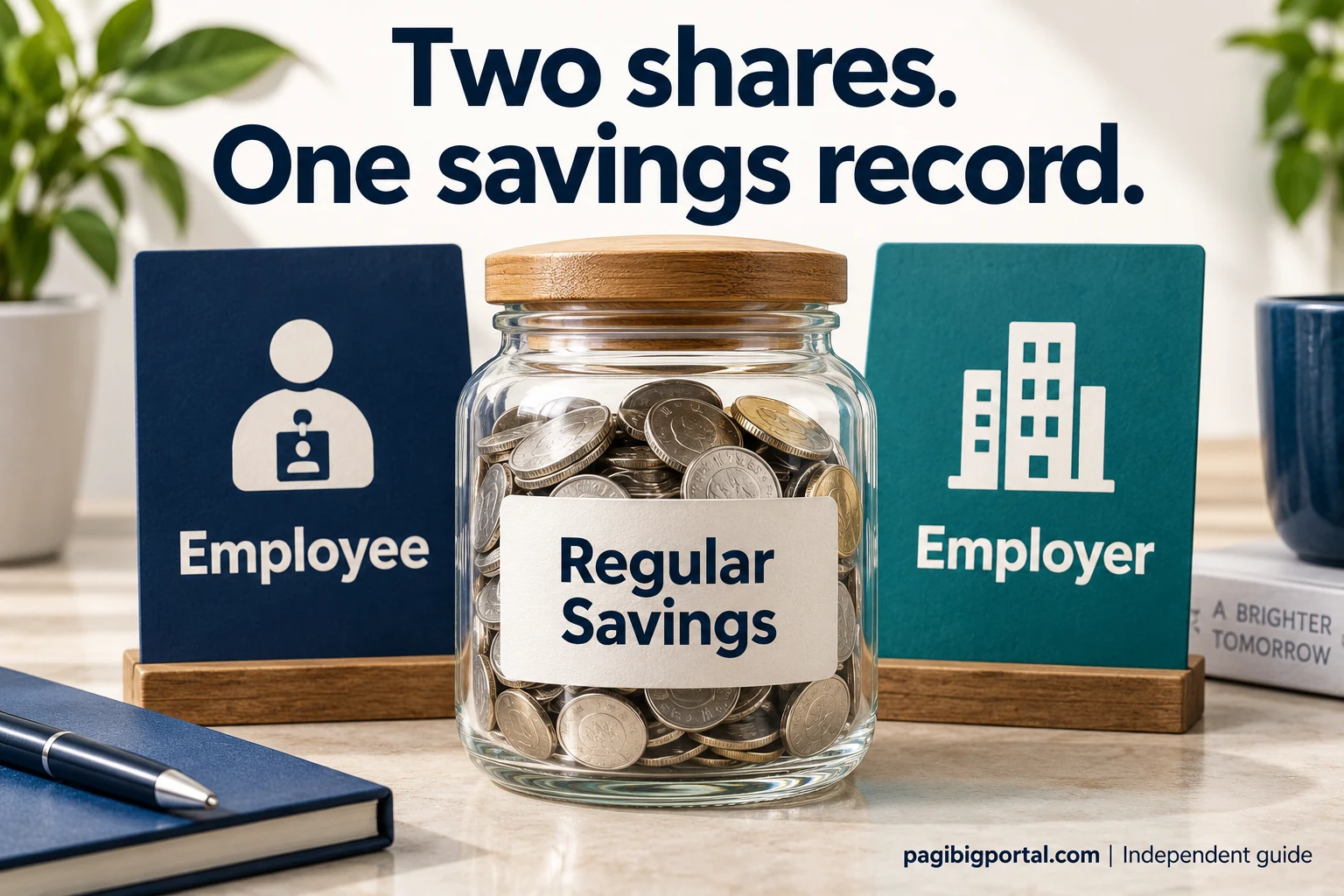
Pag-IBIG commonly calls these payments Monthly Savings. They are credited to your Regular Savings record instead of being treated only as a service fee.
Your personal savings
The amount deducted from your salary becomes part of your Pag-IBIG Regular Savings under your member record.
Employer counterpart
Covered employees also receive an employer share. The employer counterpart must not be deducted from the employee’s pay.
Annual dividends
Regular Savings may earn dividends declared by Pag-IBIG Fund. The dividend rate can change from year to year.
Pag-IBIG contribution table for 2026
The rate is applied to fund salary, subject to the ₱10,000 maximum fund salary. The amount below shows the standard employee and employer computation.
| Monthly fund salary | Employee rate | Employer rate | How the amount is computed |
|---|---|---|---|
| ₱1,500 and below | 1% | 2% | Use the actual fund salary within this bracket. |
| Over ₱1,500 up to ₱10,000 | 2% | 2% | Use the actual fund salary. |
| Over ₱10,000 | Maximum ₱200 | Maximum ₱200 | Use the ₱10,000 maximum fund salary for the standard computation. |
Why 2024, 2023 and older contribution tables show different amounts
Many search results still display an older ₱100 maximum employee share. The difference comes from the maximum fund salary used in the calculation.
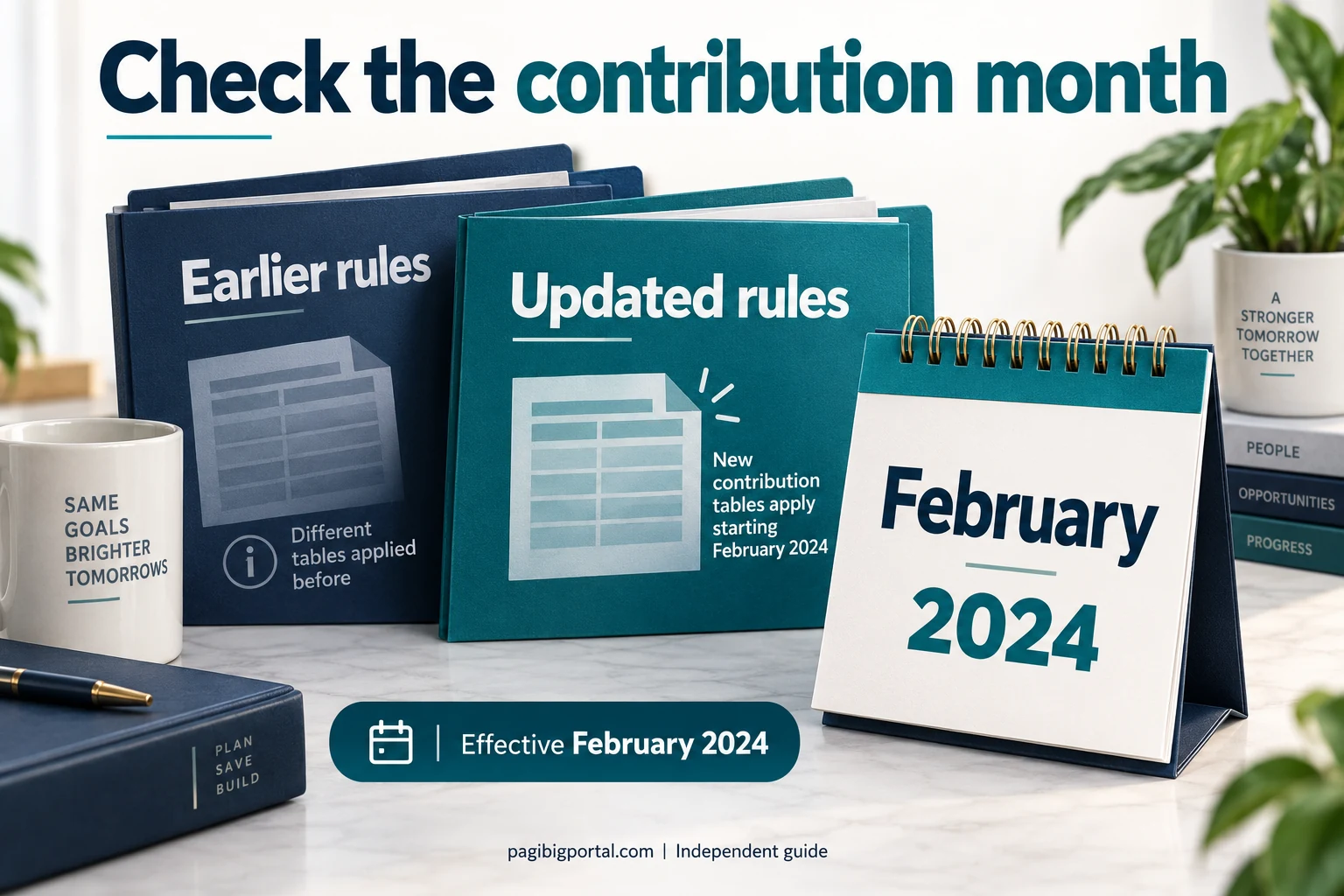
Before the February 2024 change
Older tables commonly used a maximum fund salary of ₱5,000. At a 2% employee rate, that produced a maximum employee share of ₱100, usually matched by another ₱100 from the employer.
From February 2024 onward
Circular No. 460 raised the maximum fund salary to ₱10,000. The percentage rate stayed at 2% for salaries over ₱1,500, but the higher calculation cap raised the standard maximum to ₱200 for the employee and ₱200 for the employer.
Sample monthly contribution calculations
These examples show why the amount may be lower than ₱200 for some employees and why it stops increasing once the fund salary reaches ₱10,000.
| Fund salary | Employee share | Employer share | Total monthly savings |
|---|---|---|---|
| ₱1,500 | ₱15 at 1% | ₱30 at 2% | ₱45 |
| ₱5,000 | ₱100 | ₱100 | ₱200 |
| ₱8,000 | ₱160 | ₱160 | ₱320 |
| ₱10,000 | ₱200 | ₱200 | ₱400 |
| ₱25,000 | ₱200 | ₱200 | ₱400 |
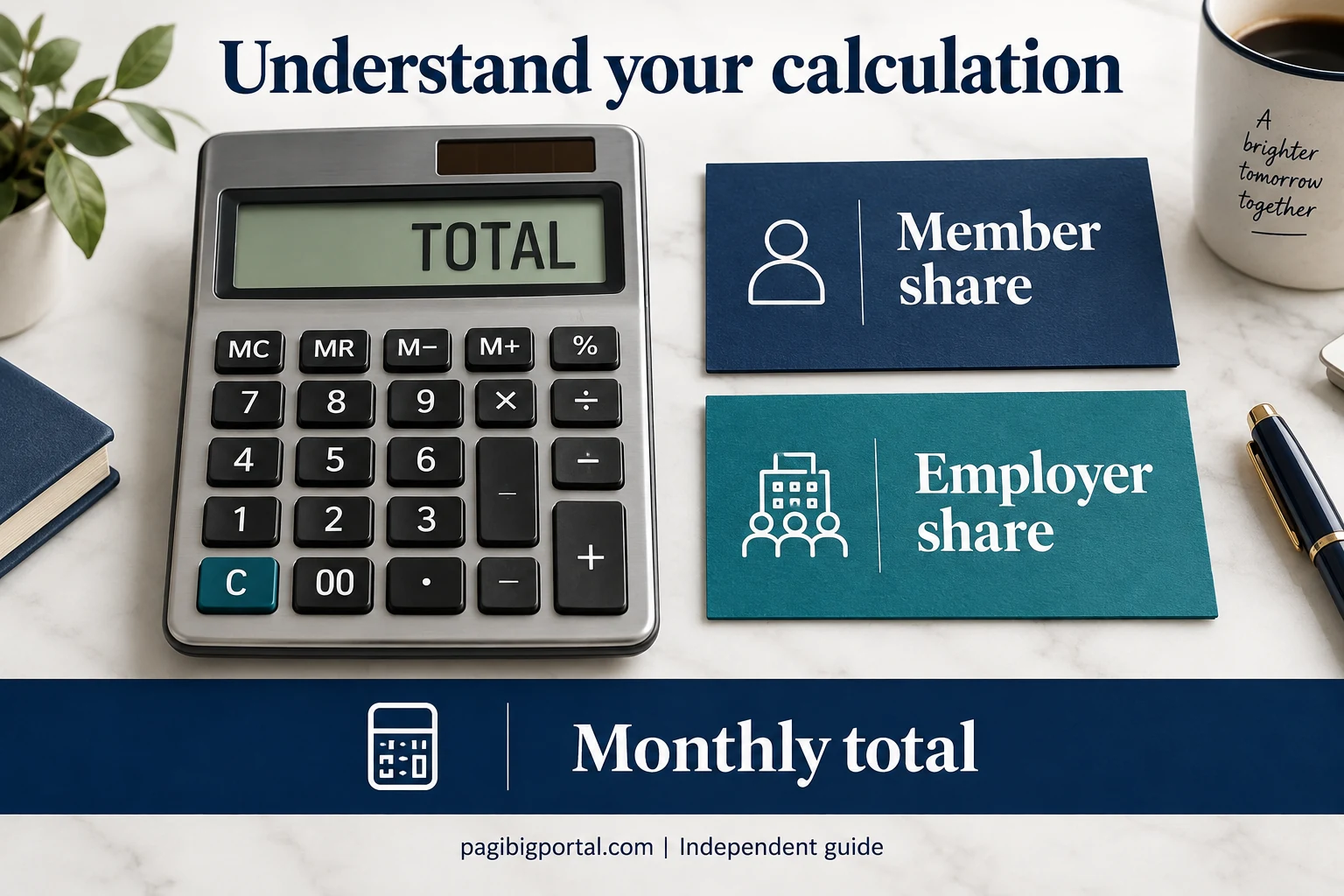
Pag-IBIG contribution calculator
Enter the monthly fund salary and choose the member setup. The result uses the current standard rate and the ₱10,000 maximum fund salary.
This calculator is for the general employee and self-employed computation under Circular No. 460. Voluntary, OFW, kasambahay, and special membership arrangements may require category-specific confirmation.
Employee, self-employed, voluntary and OFW contributions
The rate table is only part of the answer. Who shoulders the payment depends on the member’s category and work arrangement. Overseas workers can also review the Pag-IBIG membership process for OFWs.
Employed member
The employee share is deducted through payroll, while the employer adds the required counterpart and remits both under the correct MID number.
Self-employed member
Circular No. 460 treats covered self-employed persons as both employee and employer. They may therefore shoulder both portions under the applicable computation.
Voluntary member
A voluntary member without an employer generally pays the applicable amount personally. The exact amount should follow the category and fund salary accepted by Pag-IBIG.
OFW member
Filipinos employed by foreign-based employers are included in mandatory coverage rules, but the remittance setup can depend on the employment arrangement and payment channel.
Kasambahay
Special sharing rules apply. When fund salary is below ₱5,000, the employer shoulders the applicable total rate. At ₱5,000 and above, the usual 2% member and 2% employer sharing applies.
Unclear category
Do not choose a payment amount only because another member pays it. Confirm your membership category and update inaccurate employment details before paying.

How to check Pag-IBIG contributions online
The simplest method is to use a verified Virtual Pag-IBIG account and inspect the Regular Savings or membership savings record attached to your profile.
Open the official Virtual Pag-IBIG portal
Type the official address yourself or start from the Pag-IBIG Fund website. Avoid login links sent by unknown accounts.
Sign in to your member account
Use the email address and password connected to your Virtual Pag-IBIG account. The MID number alone is not always the login credential.
Open your Regular Savings record
Look for the section that displays membership savings or contribution entries. Interface labels may change after portal updates.
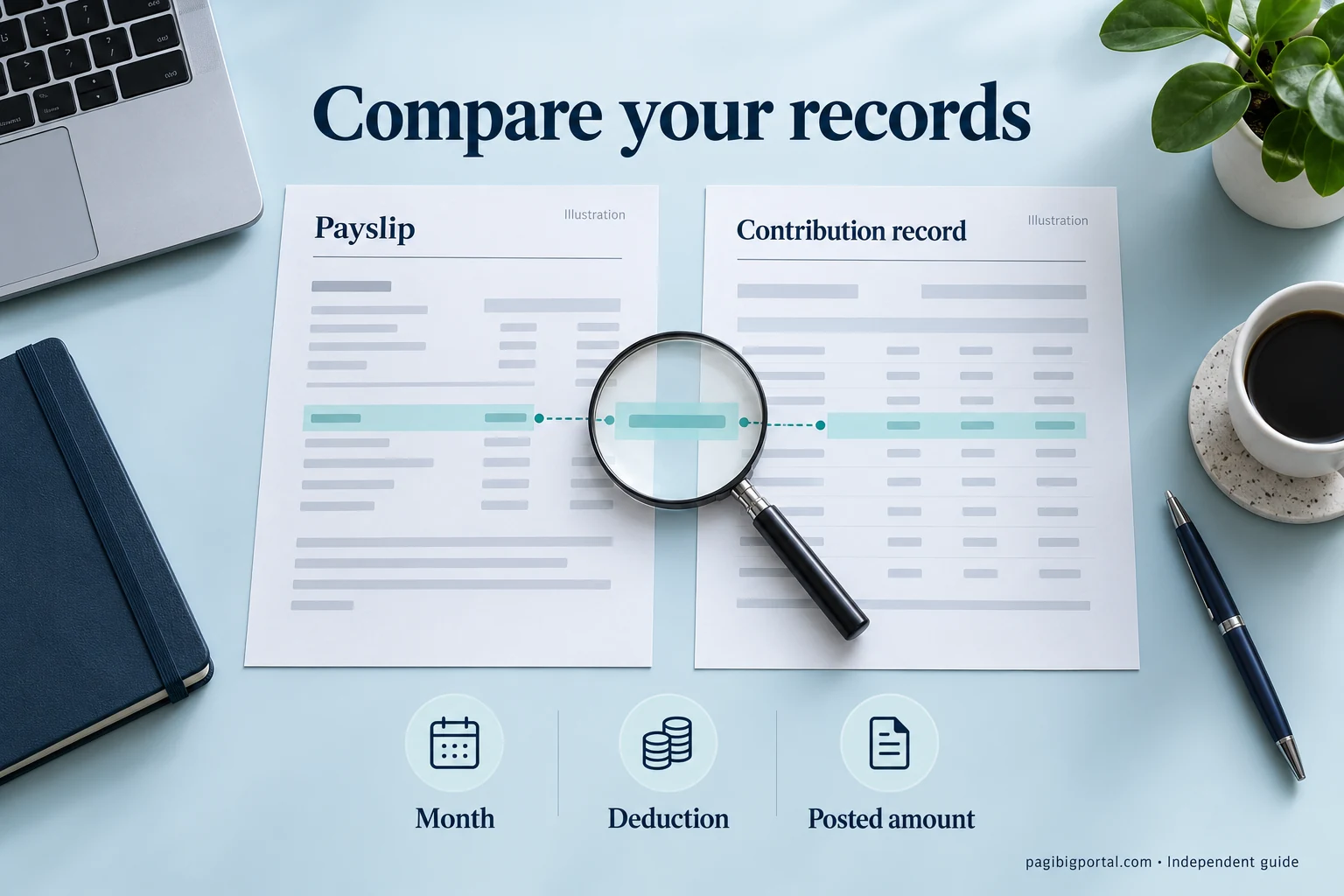
Review each month, amount and employer entry
Compare the posted record with your payslips, payment receipts, or employer remittance information.
Save proof when something is missing
Take a screenshot or download the available record, then gather the payslip or receipt for the affected coverage month.
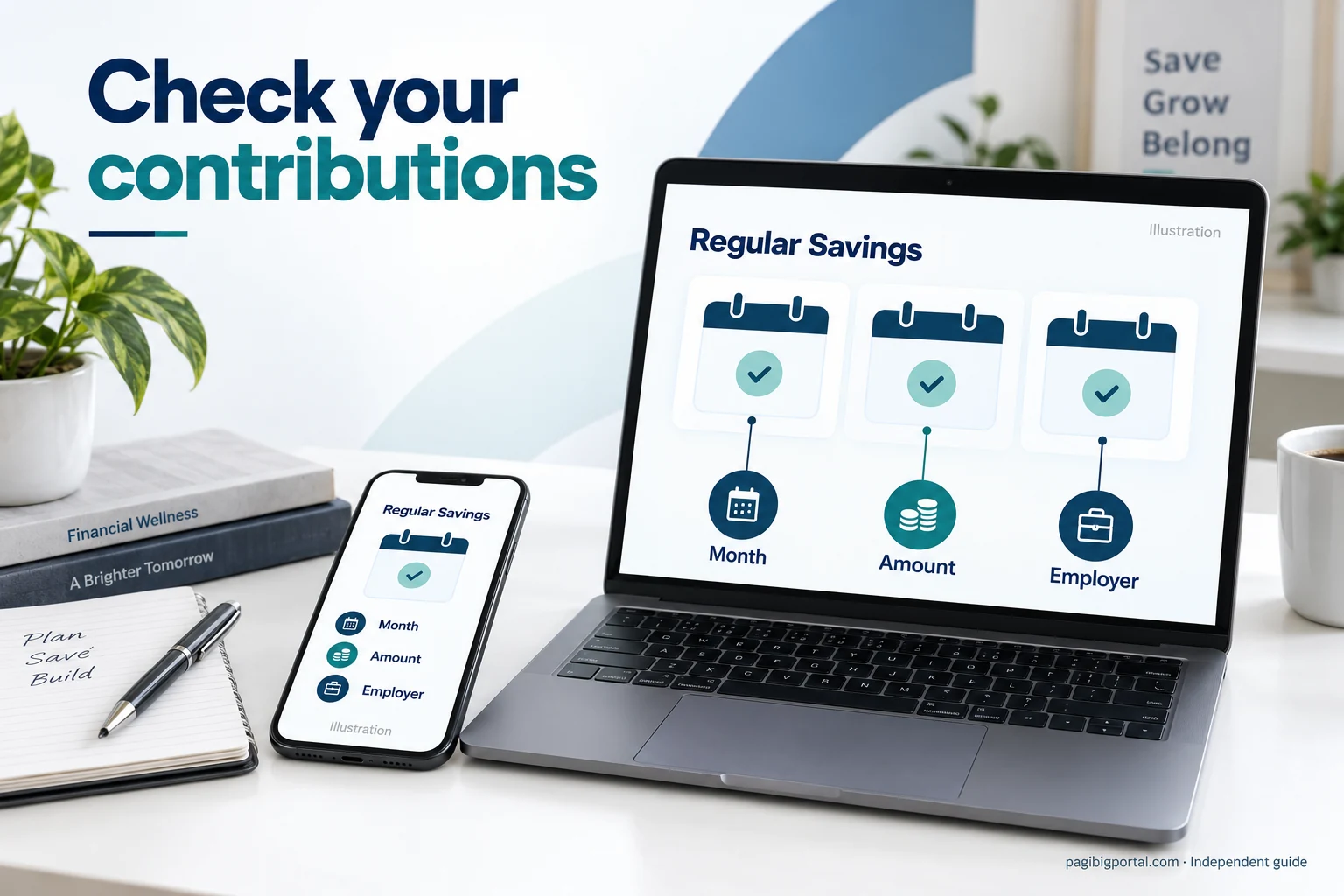
How to read your contribution record
A contribution list is more useful when you understand which details need to match your employment and payment history.
- Coverage month: the month for which the savings payment applies.
- Employee or member share: the amount credited from your own payment or payroll deduction.
- Employer share: the counterpart credited for covered employment.
- Employer name: the remitting employer connected to the entry, when shown.
- Posting date: the date the payment was recorded, which may differ from the coverage month.
- Accumulated savings: the growing balance from credited savings and declared dividends.
- Missing period: a month with no posted payment even though a deduction or payment was expected.
- Duplicate member record: contributions may be split when more than one membership record exists.
What to do when a Pag-IBIG contribution is missing
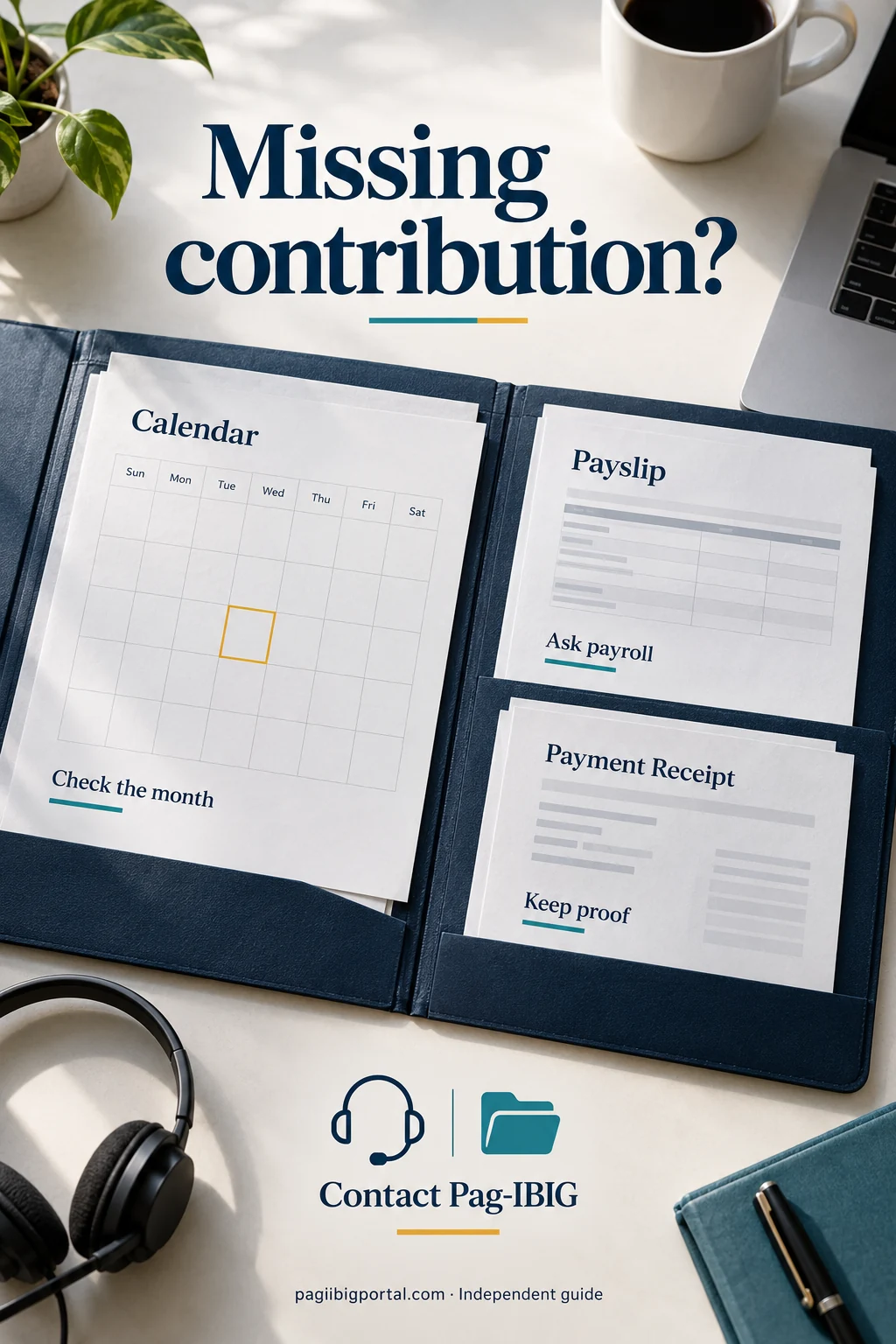
A missing month does not always prove that the employer failed to remit. Check the period, timing, MID number and supporting documents in a logical order.
Confirm the exact month
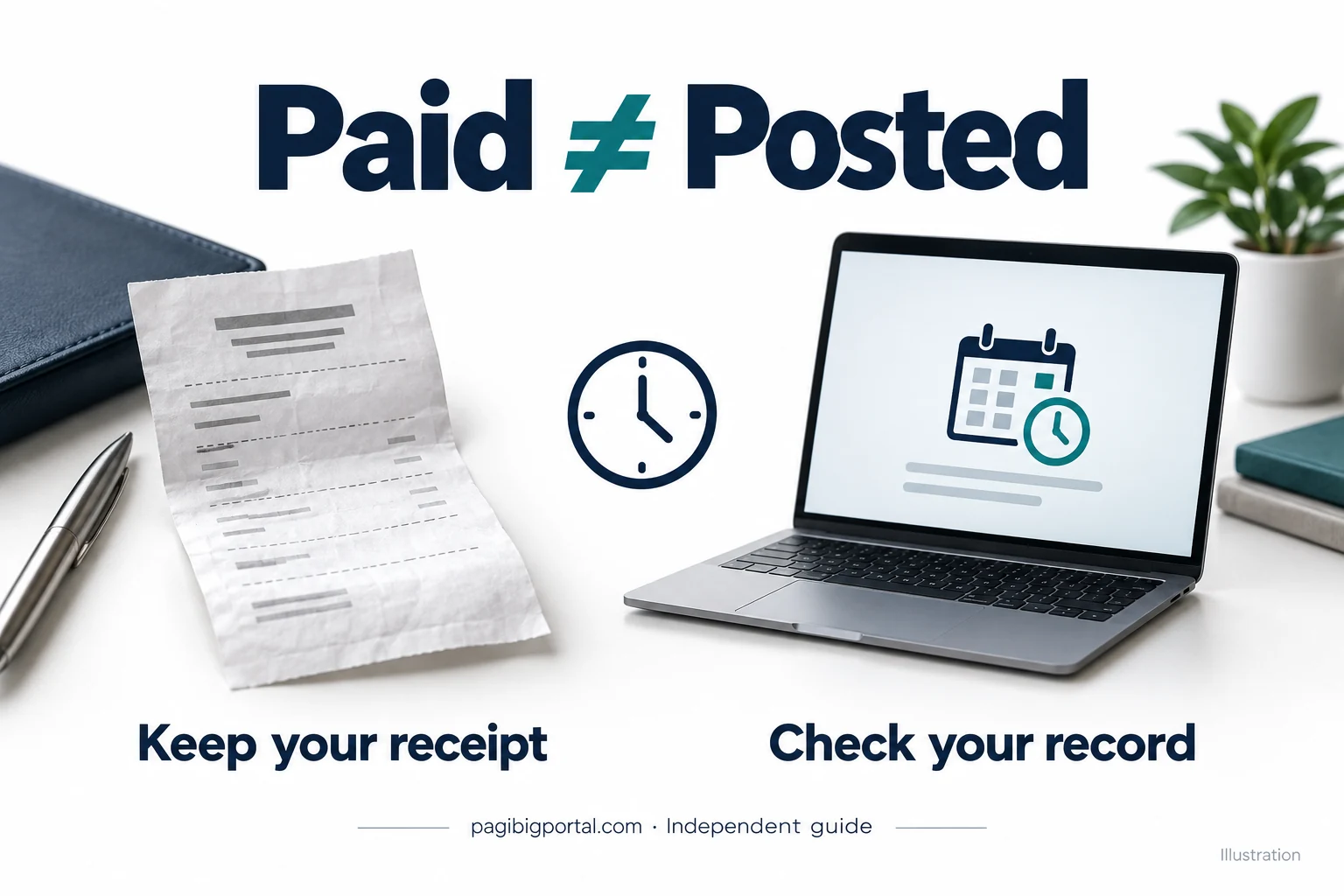
Compare the portal entry with the payslip for the same coverage month. Posting dates and salary periods can look different.
Check for a recent posting delay
A newly paid contribution may take time to appear. Keep the receipt or payroll record while waiting for the official record to update.
Ask payroll for proof
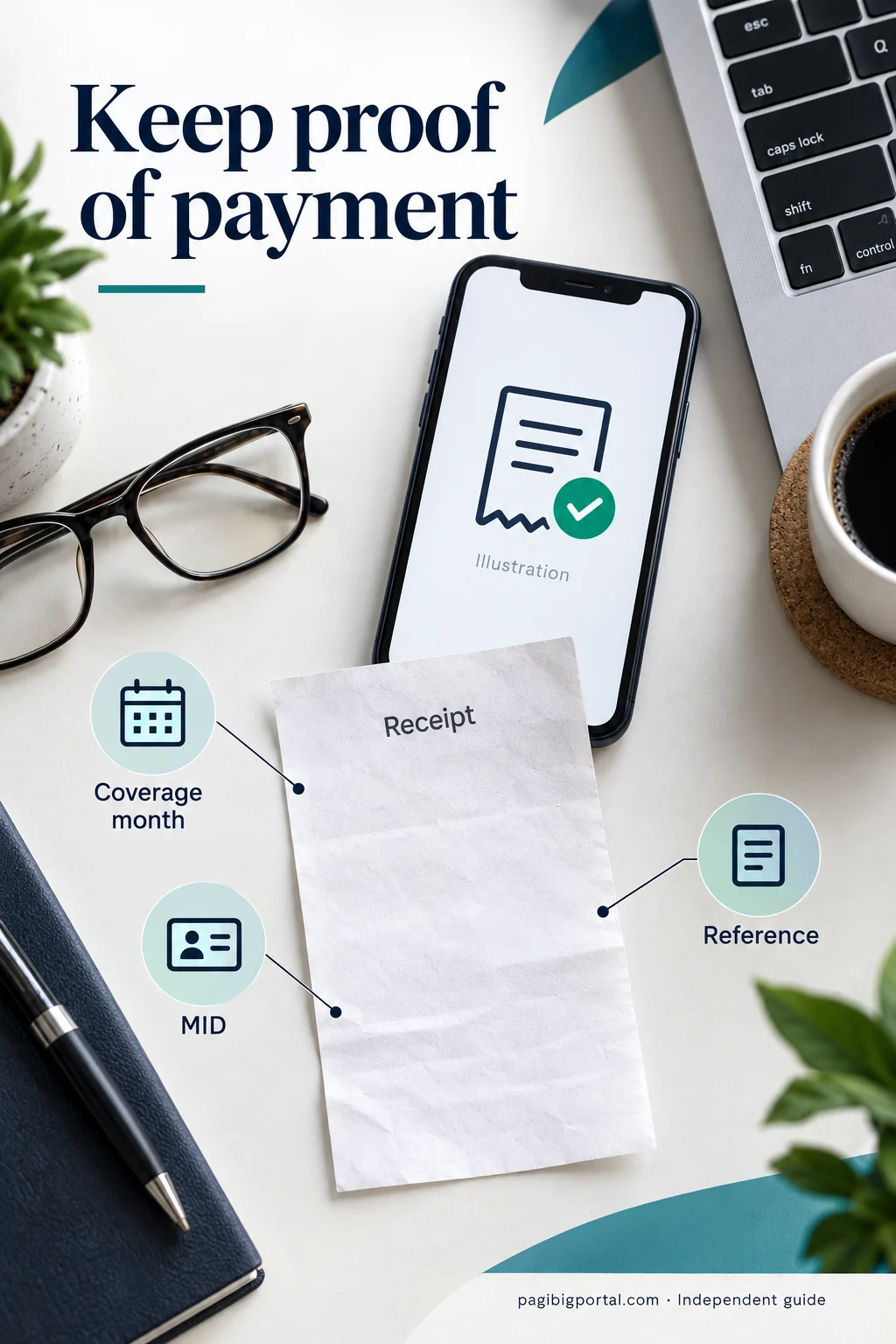
Request the remittance date, payment reference, coverage period and MID number used in the employer’s submission.
Verify your MID number
An incorrect or duplicate MID can send contributions to a different record. Use the Pag-IBIG MID Number article to verify or retrieve it.
Prepare supporting documents
Keep payslips, receipts, employer certification, screenshots and identity documents for an official correction request.
Escalate unresolved gaps
Contact Pag-IBIG through an official channel or branch when the employer cannot explain the missing entry or the record stays incorrect.
How and where Pag-IBIG contributions are paid
Payment responsibility and available channels differ between employed members, individual payors and employers.
Through an employer
Employees normally pay through payroll deduction. The employer combines the employee share and employer counterpart, then submits the required remittance record. A business that has not yet created its employer record should first complete Pag-IBIG employer registration. Employers that miss the deadline can review the Pag-IBIG late payment penalty formula and correction steps.
Through Virtual Pag-IBIG
Eligible individual members can use the official online payment service and choose from the payment methods currently displayed by the portal.
Through accredited channels
Pag-IBIG also works with authorized collecting partners. Confirm the coverage period, MID number, payment type and receipt before leaving the transaction.
Can you withdraw Pag-IBIG contributions?
Regular Savings is not an ordinary bank account that can be emptied whenever you want. Withdrawal depends on an allowed provident benefit ground and the member’s circumstances. Review the complete Pag-IBIG savings claim requirements and process before filing.
Standard membership maturity
Republic Act No. 9679 defines the membership term as 20 years from the first applicable contribution, provided the member has made a total of 240 monthly contributions at maturity.
What about earlier optional withdrawal?
The current April 2026 provident benefits claim form lists a one-time optional withdrawal after 15 years of continuous membership savings, equivalent to 180 monthly savings. It does not list an ordinary 10-year withdrawal option.
How contributions affect loan eligibility
Posted savings can support eligibility, but the amount or number of contributions alone does not guarantee approval.
Members affected by a declared disaster can also review the Pag-IBIG Calamity Loan requirements and application steps before filing.
Number of posted months
Different loan programs can require a minimum history of membership savings or an equivalent lump-sum payment allowed by that program.
Updated member record
Your identity, MID, employer details and membership category must match the records used for the application.
Separate affordability checks
Loan amount, income, existing obligations, property requirements and program-specific rules can affect approval.
Video walkthrough: checking Pag-IBIG contributions online. Interface labels may change over time.
Pag-IBIG contribution versus MP2 savings
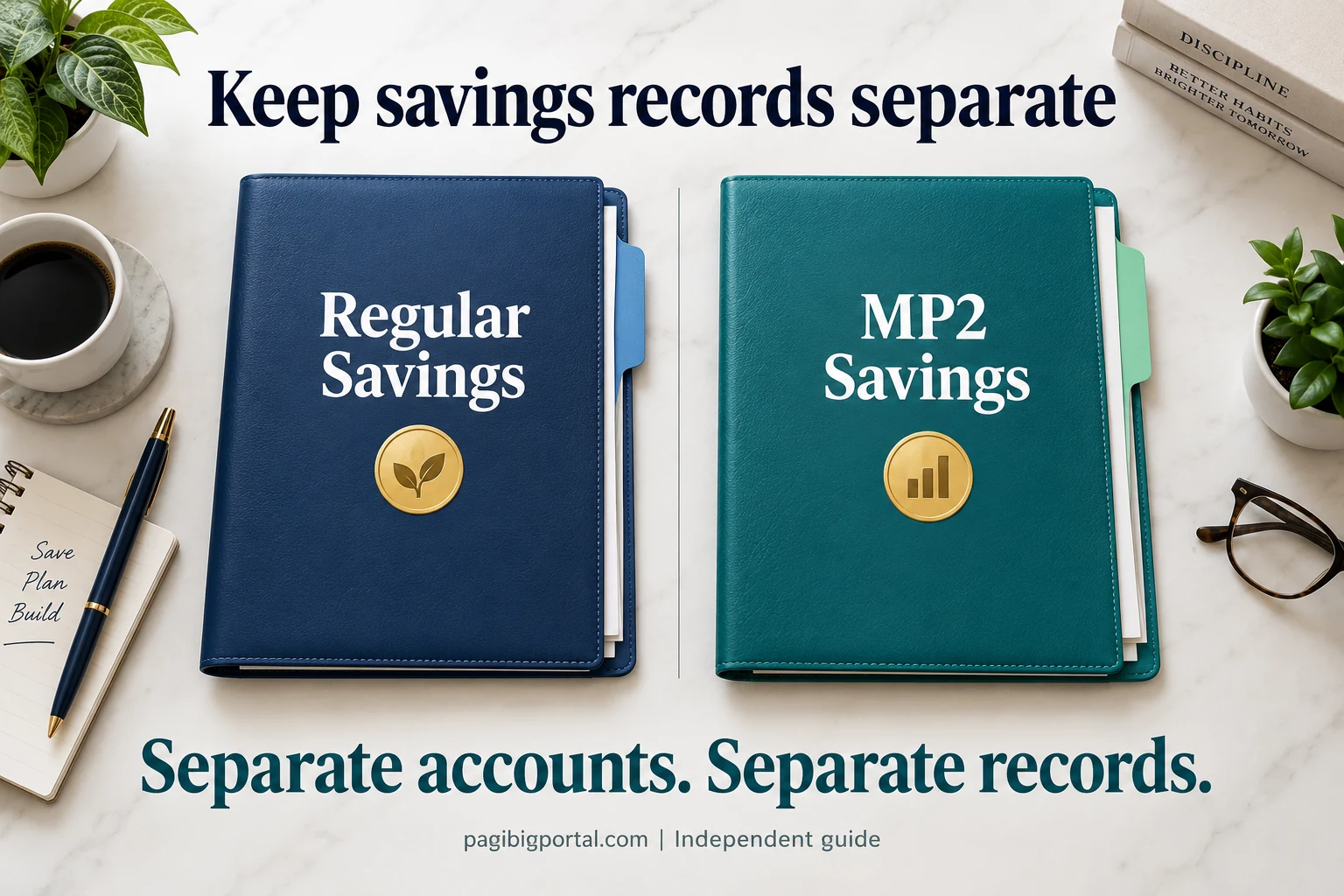
Regular Savings and MP2 are connected to Pag-IBIG Fund, but they are not the same account.
| Feature | Regular Pag-IBIG contribution | MP2 savings |
|---|---|---|
| Purpose | Core membership savings under Pag-IBIG I | Separate voluntary savings program |
| Employer counterpart | Available for covered employees | No standard required employer counterpart |
| Account number | Posted under the member’s regular membership record | Uses a separate MP2 account number |
| Payment amount | Based on membership category and contribution rules | Based on MP2 program rules and the amount chosen by the saver |
| Maturity | Subject to Regular Savings provident benefit rules | Subject to the MP2 program’s separate maturity rules |
Frequently asked questions
These answers cover the most common searches about rates, checking, missing records, voluntary payment and withdrawal.
How much is the Pag-IBIG contribution in 2026?
For most employees earning more than ₱1,500, the employee and employer each contribute 2% of fund salary. The standard computation is capped at a ₱10,000 fund salary, so the usual maximum is ₱200 each or ₱400 combined monthly.
What is the maximum Pag-IBIG contribution for an employee?
The standard maximum employee share is ₱200 per month under the ₱10,000 maximum fund salary. The employer normally adds another ₱200 for a covered employee.
Why is my Pag-IBIG deduction lower than ₱200?
Your fund salary may be below ₱10,000, your coverage may involve a special category, or the payslip may show a partial period. Check the fund salary and rate used by payroll.
Does Pag-IBIG increase when salary is above ₱10,000?
Under the standard Circular No. 460 computation, the required share stops increasing after the ₱10,000 maximum fund salary. An employee earning more than ₱10,000 generally remains at the ₱200 employee maximum.
How can I check my Pag-IBIG contribution online?
Sign in to the official Virtual Pag-IBIG portal, open the Regular Savings or membership savings section, and compare the posted months with payslips or payment receipts.
Can I check contributions using only my MID number?
The MID identifies your membership record, but detailed online access normally requires a Virtual Pag-IBIG account or another official verification method. Do not share login credentials or one-time codes.
Why is my latest contribution not showing?
Possible causes include posting time, an incorrect coverage month, an employer reporting delay, use of the wrong MID, or a duplicate membership record. Keep supporting proof and check with payroll first.
How much should a self-employed member pay?
Covered self-employed members can be treated as both employee and employer and may shoulder both shares under the applicable rate. At the maximum fund salary, that can total ₱400 monthly. Confirm the category displayed in the official payment system.
How much is a voluntary Pag-IBIG contribution?
The amount depends on the voluntary membership category and declared fund salary. A voluntary member without an employer generally shoulders the payment personally, so confirm the amount accepted for your record before paying.
How much should an OFW contribute?
The amount depends on the OFW’s membership and employment arrangement. Filipinos employed by foreign-based employers fall within mandatory coverage rules, but the payer setup and remittance method can differ.
Can I pay Pag-IBIG contributions online?
Eligible individual members can use the official online payment service. Select the correct savings type, coverage period, MID number and payment method shown by the portal.
Can I withdraw my Pag-IBIG contribution anytime?
No. Regular Savings is released under allowed provident benefit grounds, membership maturity or a qualifying optional or special program. It is not an on-demand bank balance.
Can I withdraw Pag-IBIG contributions after 10 years?
Some qualifying members may fall under a one-time optional withdrawal rule after 10 or 15 years, subject to conditions. Because eligibility depends on the membership record and current implementation, confirm directly with Pag-IBIG.
Can I get a Pag-IBIG ID without contributions?
Registration and identification are different from having a long posted contribution history. However, card availability and transaction requirements may depend on the current program and your verified member record.
What should I do if my employer deducted Pag-IBIG but did not remit it?
Keep the payslip, ask payroll for the remittance record and MID used, and report the unresolved issue through an official Pag-IBIG channel. The employer is responsible for remitting required savings and its counterpart.
Can contributions under two MID numbers be merged?
Duplicate records normally require official verification and consolidation rather than a simple online transfer. Prepare identity documents, employment records and proof of the contributions posted under each record.
Related Pag-IBIG topics
Use these pages for the account, membership and record tasks that support contribution checking.
Official references
This article was checked against the contribution circular, the Pag-IBIG charter and official online service entry points.
Pag-IBIG Fund Circular No. 460 record at the UP Law Center
Republic Act No. 9679, Home Development Mutual Fund Law of 2009
After confirming the correct amount and coverage period, use our Pag-IBIG online payment steps to choose the payment channel and save the receipt.