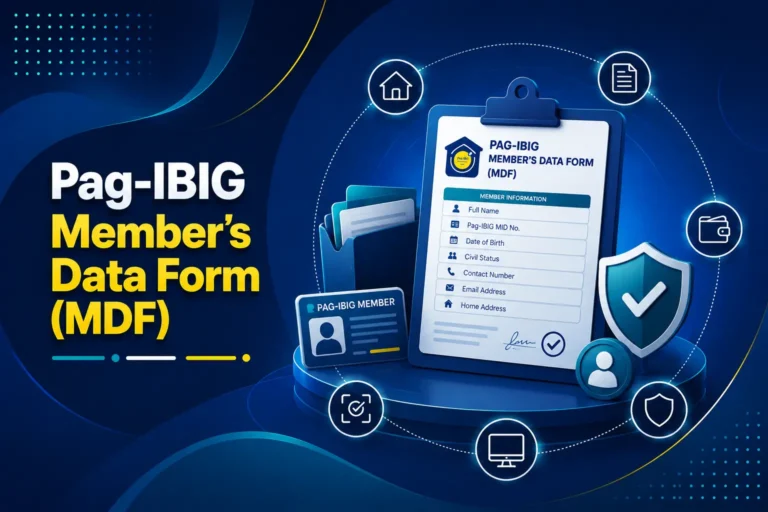
Pag-IBIG MID Number
Learn what your 12-digit Membership ID Number means, how to verify it online, retrieve a forgotten number, and avoid confusing it with your RTN.
Quick answer
Your Pag-IBIG MID number is the permanent membership number assigned to your Pag-IBIG Fund record. It normally contains 12 digits and is used to connect your savings, employer remittances, loans, claims, MP2 activity, and Virtual Pag-IBIG access to the correct member. If you registered online and only received an RTN, use the official MID inquiry after your registration has been processed.
What is a Pag-IBIG MID number?
The MID number identifies your permanent membership record with the Home Development Mutual Fund, commonly known as Pag-IBIG Fund.
A Pag-IBIG MID number is the Membership ID Number assigned to a registered member. The Member’s Data Form describes it as a unique 12-digit number series. It is not a temporary application code, a card number, an employer number, or an MP2 account number.
The number is important because many transactions must be posted under the correct member record. An employer uses it when reporting contributions. Members use it when checking regular savings, enrolling in MP2, creating or accessing Virtual Pag-IBIG, applying for loans, updating information, and processing claims or withdrawals.
Your MID number does not change every time you change jobs, become self-employed, work overseas, or stop contributing for a period. The same membership number should remain connected to you. When you cannot remember it, the correct action is to retrieve the existing number, not register again.
Pag-IBIG MID number sample and format
A sample should show the structure without exposing a real member’s personal number.
Safe masked example
- Represents a 12-digit MID number
- Hyphens are only for readability in this illustration
- Enter digits in the exact format requested by the official form
What not to share publicly
- Do not post it with your full name and birth date
- Do not send it to unofficial social media accounts
- Never include an OTP, password, or complete ID image
Where your MID number is used
The number links different Pag-IBIG transactions to the same member record.
Employer and member contributions
Your employer or payment channel uses the MID to identify where regular savings contributions should be posted.
MP2 enrollment and payments
Your MID identifies you as the member who owns an MP2 account. The MID and MP2 account number are separate numbers.
Loan and housing transactions
Pag-IBIG loan applications and account inquiries use your membership record to check eligibility, savings, and existing obligations.
Virtual Pag-IBIG access
The MID may be requested during account creation, verification, or secure online transactions, together with other identity checks.
Member information updates
When correcting a name, address, civil status, or contact detail, Pag-IBIG needs to identify the existing membership record.
Claims and withdrawals
Maturity, retirement, disability, death benefit, and other claim processes must be matched to the correct member and savings record.
How to get a Pag-IBIG MID number for the first time
New members receive an RTN after registration, then retrieve the permanent MID after the registration is processed.
Check whether you already have a membership record
Ask a current or former employer, review old payslips and employment files, or use Pag-IBIG’s inquiry channels. People who have worked before may already have a MID even when they do not remember registering.
Register only when you are genuinely a new member
Use the official online membership registration service. Enter your legal name, birth details, contact information, membership category, and employment information carefully. Our Pag-IBIG online registration guide explains the full process.
Save the Registration Tracking Number
The system provides an RTN after successful registration submission. Save a screenshot, printout, or secure note because the online MID inquiry commonly asks for the RTN.
Allow time for record processing
A January 2025 Philippine Information Agency report quoting Pag-IBIG staff said online registrants receive their tracking number within 48 hours. The permanent MID may require further record validation, and the portal does not promise one fixed processing time for every case.
Use the official MID inquiry
Open Virtual Pag-IBIG, choose Be a Member, and select Verify MID No. Enter the requested registration details exactly as recorded. When the system finds a match, it displays your permanent MID number.
Save the MID securely
Copy all 12 digits carefully. Store the number in a protected employment folder, password manager, or private record. Verify it before giving it to HR or using it for payments.
How to verify your Pag-IBIG MID number online
The official Verify MID No. service is the fastest method when you still have the Registration Tracking Number.
Open the official Virtual Pag-IBIG service
Go to the official Virtual Pag-IBIG website or open the Pag-IBIG Membership ID Number Inquiry page directly. Confirm that the address uses an official Pag-IBIG domain before entering personal information.
Select Be a Member
From the Virtual Pag-IBIG service menu, choose Be a Member. This area separates new membership registration, MID verification, and other membership actions.
Choose Verify MID No.
The page opens the MID inquiry form. This is different from logging in to an existing Virtual Pag-IBIG account.
Enter the details exactly as registered
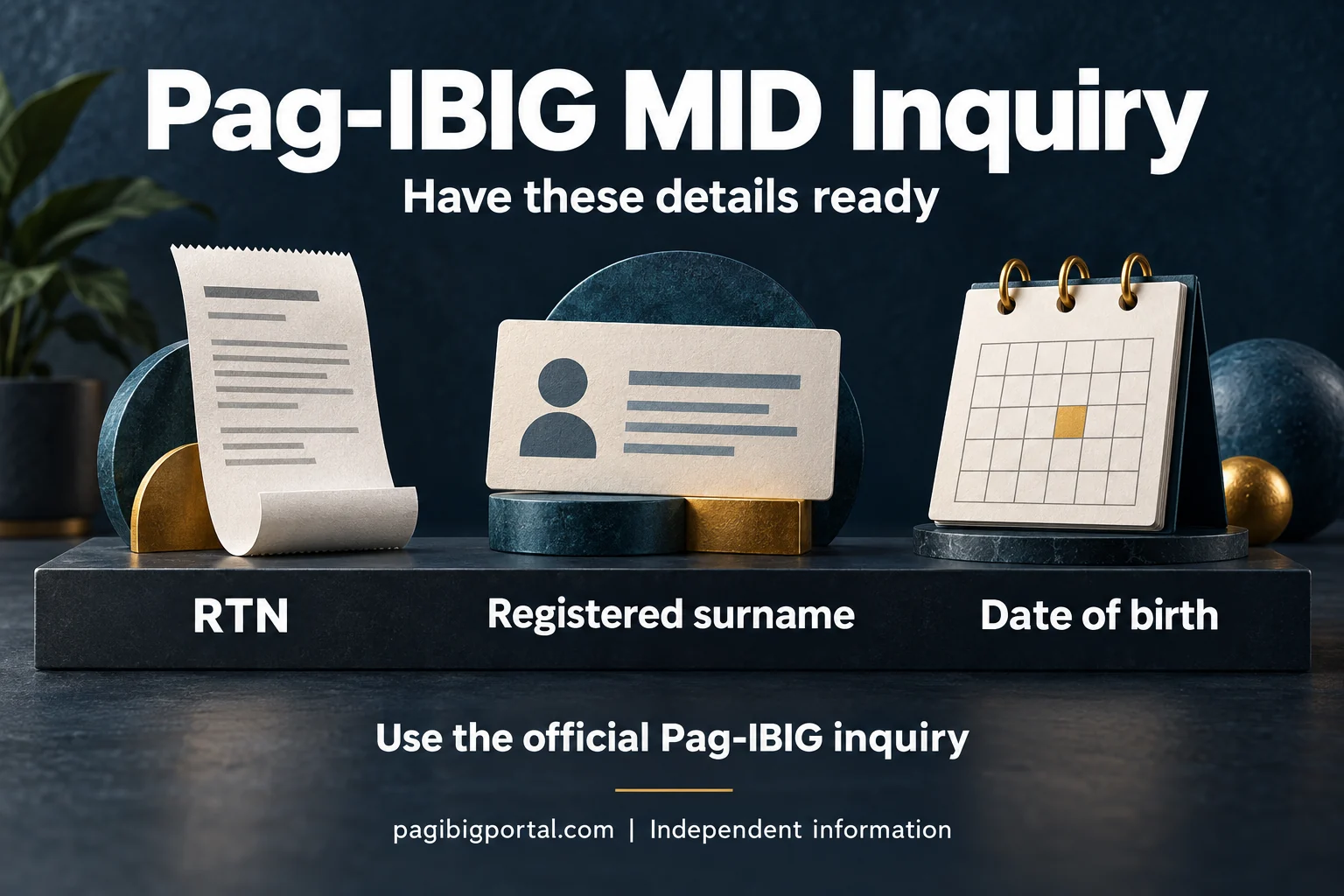
The form commonly asks for your RTN, last name, and date of birth. Use the surname, spelling, spacing, suffix, and birth date that appeared in the original registration.
Submit the inquiry
Review the information, complete any privacy confirmation or security check shown on the page, and submit. When the record is available and the details match, the system displays your MID number.
Save the result privately
Write down the complete 12-digit number or save a private screenshot. Avoid uploading the result to public groups or sending it to anyone who does not need it for an official transaction.
Forgot or lost your Pag-IBIG MID number?
Losing the number does not cancel the membership record and does not mean you need to register again.
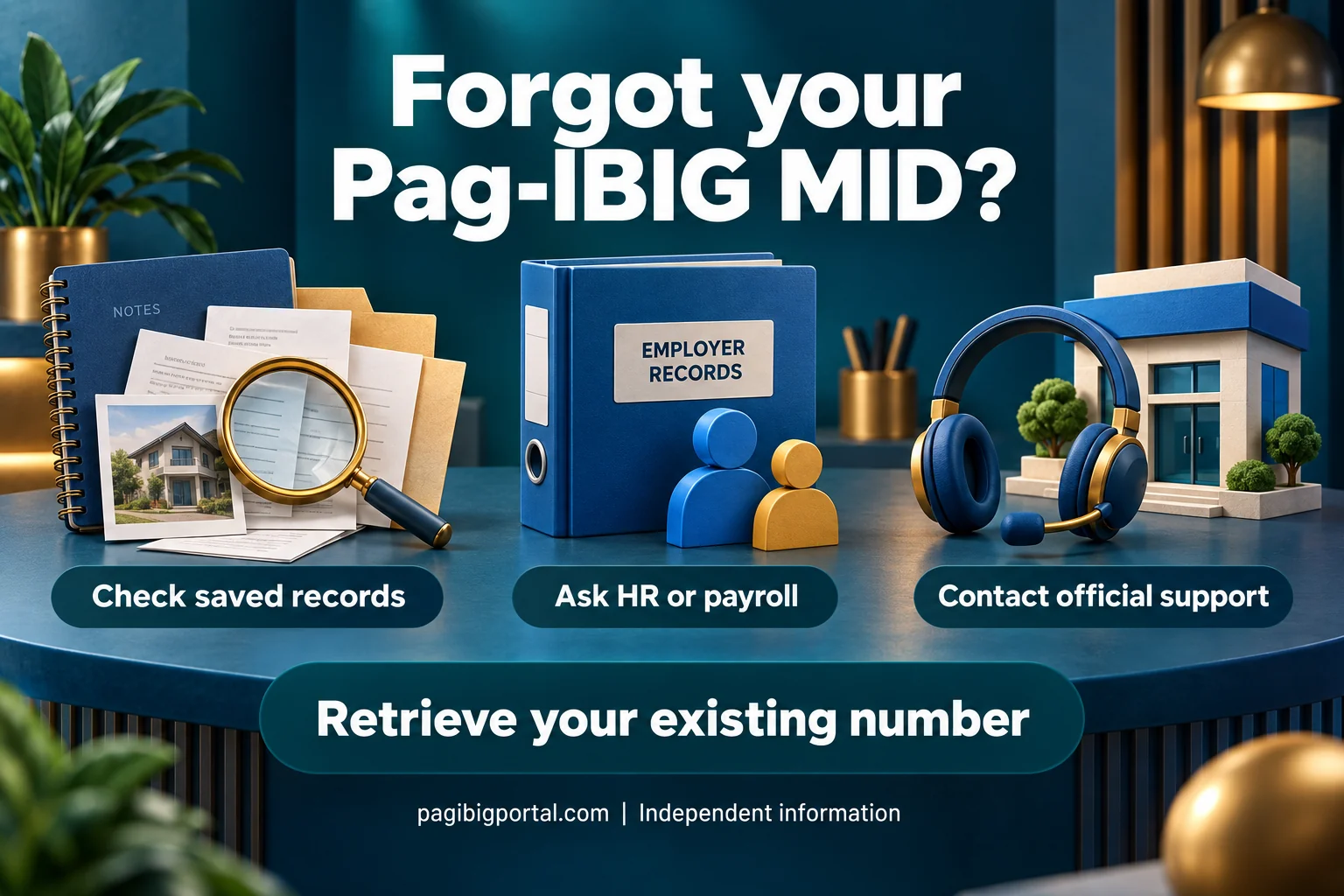
You still have the RTN
Use the official MID inquiry. Enter the RTN, registered surname, and date of birth as requested. This is normally the most direct retrieval route.
You already use Virtual Pag-IBIG
Log in securely and review your member profile, savings records, or downloaded documents. Do not confuse account login with the public MID inquiry.
You worked for an employer before
Ask HR or payroll to check the Pag-IBIG membership number used for your previous remittances. Verify the number before reusing it.
Search your existing documents
Check your MDF, contribution receipts, loan documents, MP2 forms, old employment requirements, email, and private cloud storage.
You lost both MID and RTN
Use official Pag-IBIG chat or contact support, or visit a branch. Be prepared to verify your identity and provide accurate personal information.
Your name or birth details changed
Try the information used during the original registration. If the record contains outdated or incorrect data, follow the Pag-IBIG membership information update process instead of creating a second record.
Where to find your MID number
Many members already have the number in an old document even when they cannot remember it.
Pag-IBIG MID number versus RTN
These numbers can both contain 12 digits, but they have different purposes.
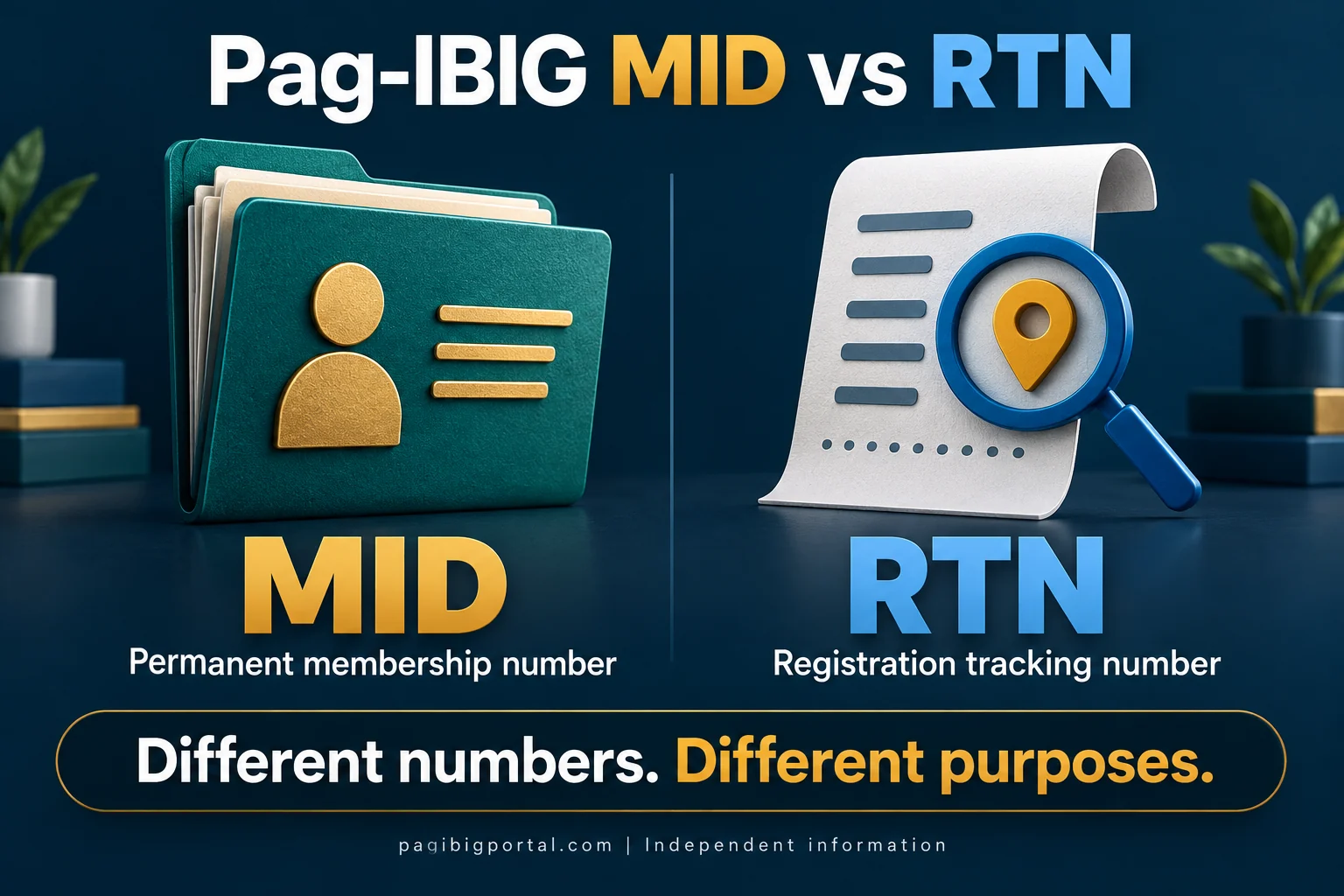
| Detail | Registration Tracking Number | Pag-IBIG MID Number |
|---|---|---|
| Meaning | System-generated number issued after completing online registration | Permanent Membership ID Number assigned to the registered member |
| Main purpose | Tracks or verifies the submitted registration | Identifies the member for contributions, loans, savings, claims, and services |
| When received | After successful online registration submission | After the permanent membership record becomes available |
| Can it replace the other? | No. It may be accepted temporarily in limited registration-related situations only. | No. It is the permanent member reference required for regular transactions. |
| Should you keep it? | Yes, especially until the MID has been retrieved | Yes, for the life of the membership record |
MID number, card number, MP2 number, and employer number
Pag-IBIG transactions may involve several identifiers, and each belongs to a different record.
| Number or identifier | What it identifies | Important distinction |
|---|---|---|
| Pag-IBIG MID number | Your permanent individual membership record | This is the number most people mean when they ask for a Pag-IBIG number. |
| Registration Tracking Number | Your submitted online membership registration | It is used to retrieve or verify the permanent MID after registration. |
| MP2 account number | One specific MP2 savings account | A member can have an MID and separate MP2 account numbers. An MP2 number commonly begins with 5. |
| Loyalty Card Plus number | The physical card or partner-bank card account | The card can help with identification and disbursement, but its number is not your MID. |
| Employer ID or employer reference | The registered employer record | It belongs to the employer, not to the individual employee. |
| Loan account number | A specific loan or housing account | It identifies that account and does not replace your membership number. |
Can you log in to Pag-IBIG using the MID number?
The MID may identify your membership, but it is not a complete login credential by itself.
Virtual Pag-IBIG account access requires the login method and security checks currently shown by the official portal. Depending on your account setup, you may need an email address, password, one-time PIN, Loyalty Card Plus information, or another verification route. Knowing the MID number does not allow anyone to open your account without the other required credentials.
Members who have not created an online account should follow the account-creation process rather than repeatedly trying the public MID inquiry. See our Virtual Pag-IBIG guide for account types, activation, services, and troubleshooting.
Why the MID inquiry cannot find your record
A failed search does not always mean that you have no Pag-IBIG membership.
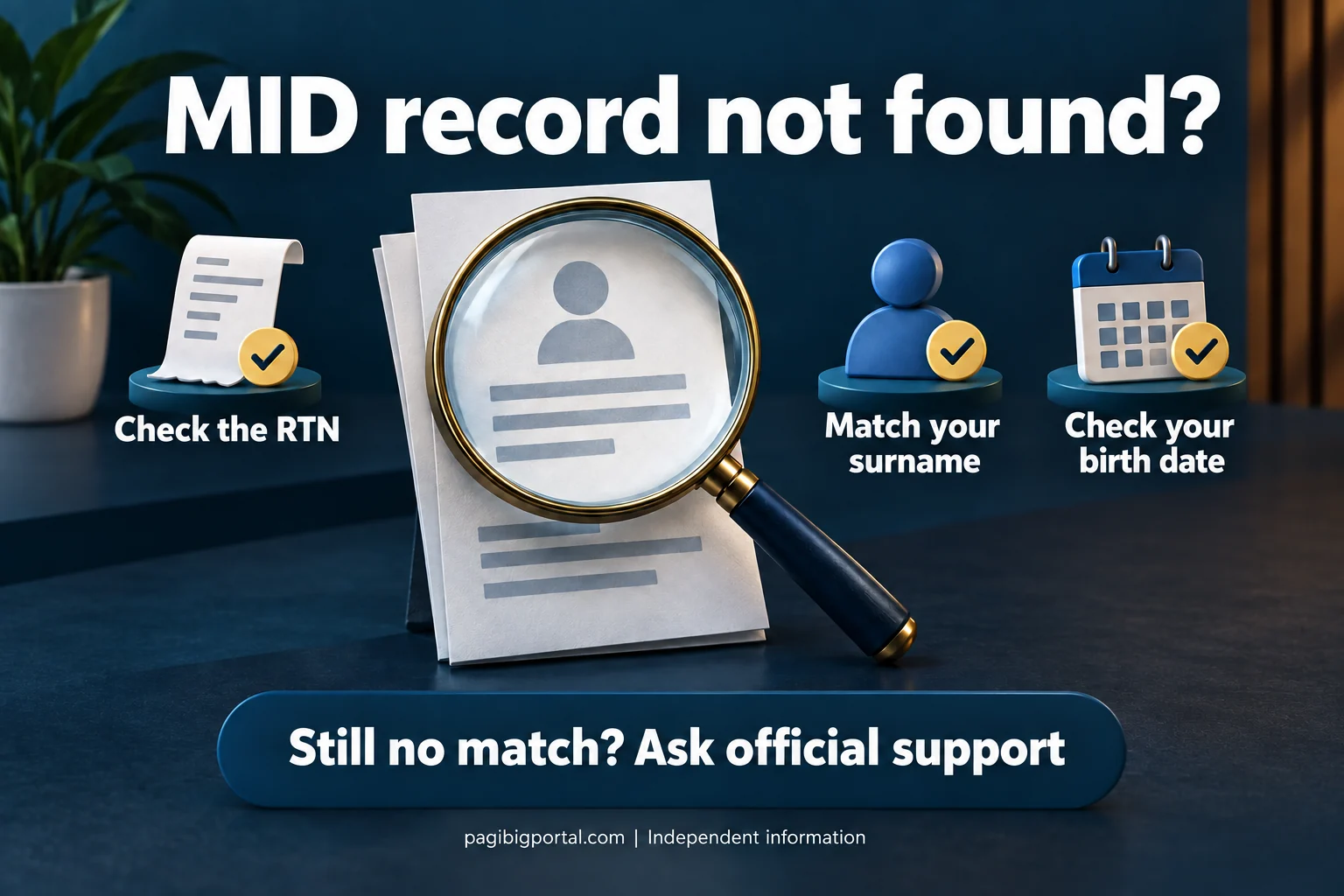
| Possible problem | Why it happens | What to try |
|---|---|---|
| RTN is entered incorrectly | A digit was copied incorrectly or another 12-digit reference was used. | Check the original registration confirmation and enter the number labeled RTN. |
| Surname does not match | The record may use a maiden name, married name, different spacing, or an old spelling. | Use the exact surname entered during registration. Request an update if the official record is outdated. |
| Date of birth mismatch | The date may have been encoded incorrectly or entered in the wrong format. | Follow the form’s date format and compare it with the original registration details. |
| Registration is still being processed | The RTN exists, but the permanent member record is not yet available for inquiry. | Wait and retry. Contact Pag-IBIG when the delay continues beyond a reasonable period. |
| Duplicate or old records | Previous employer registration or repeated applications may have created more than one possible match. | Contact Pag-IBIG for record verification or consolidation. Do not register again. |
| Portal maintenance or browser issue | The service may be temporarily unavailable, or the session may fail. | Retry with a current browser, stable connection, and official direct link. |
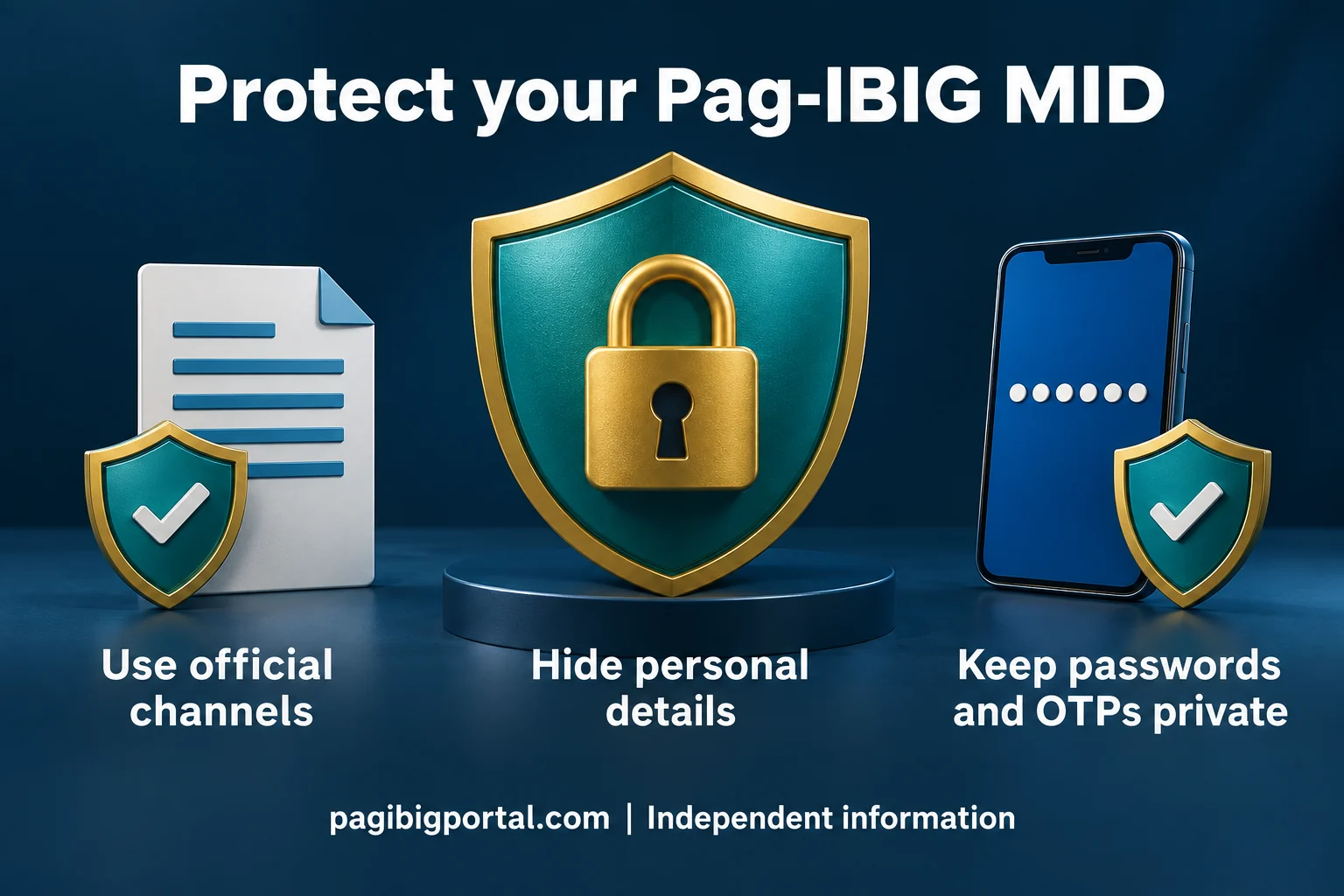
How to protect your MID number
The MID is not a password, but it is linked to personal, savings, employment, and loan records.
What to do after retrieving your MID number
A successful lookup solves the immediate problem, but a few checks can prevent future contribution and account issues.
Copy all digits carefully
Compare the saved number with the official result before using it. One wrong digit can cause an employer remittance, payment, or online transaction to fail or be posted under the wrong reference.
Confirm the member name
Check that the name connected to the MID matches your legal and employment records. When the name, birth date, or civil status is incorrect, request an official record update before an important loan, claim, or employer transaction.
Give it only to the correct recipient
Share the MID with your employer through a legitimate HR or payroll process, or enter it on an official Pag-IBIG payment or service page. Avoid sending the number through public comments or unverified assistance forms.
Keep two secure copies
Store the MID in a protected digital record and one private employment or membership file. Keeping the number with your MDF or registration documents makes it easier to verify later without repeating the recovery process.
Frequently asked questions
Answers to common searches about getting, checking, verifying, and retrieving a Pag-IBIG MID number.
What is the meaning of Pag-IBIG MID number?
MID means Membership ID Number. It is the permanent number assigned to a registered Pag-IBIG Fund member and used to identify the member’s savings, contributions, loans, claims, and other transactions.
How many digits are in a Pag-IBIG MID number?
A Pag-IBIG MID number is normally a unique 12-digit number series. Check the label on your document because an RTN and other account references may also contain several digits.
How can I get my Pag-IBIG MID number online?
If you already registered, open Virtual Pag-IBIG, choose Be a Member, and select Verify MID No. Enter the RTN, surname, date of birth, and any other details requested by the current form.
How can I check or verify my Pag-IBIG MID number?
Use the official Pag-IBIG Membership ID Number Inquiry. The online result is produced when your registration details match an available Pag-IBIG record.
I forgot my Pag-IBIG MID number. Should I register again?
No. Retrieve the existing MID through the online inquiry, your Virtual Pag-IBIG account, employer records, official support, or a Pag-IBIG branch. A new registration may create duplicate records.
Can I retrieve my MID number without an RTN?
The public MID inquiry commonly requires an RTN. If you no longer have it, check your MDF, old employment records, receipts, loan or MP2 documents, and Virtual Pag-IBIG. You may also contact Pag-IBIG or visit a branch for identity verification.
Is the RTN the same as the Pag-IBIG MID number?
No. The RTN tracks the online registration. The MID is the permanent membership number used for regular Pag-IBIG transactions.
How many days does it take to get a Pag-IBIG MID number?
There is no single guaranteed MID processing time for every case. A January 2025 PIA report quoting Pag-IBIG staff stated that registrants receive a tracking number within 48 hours. MID availability can depend on validation and record matching.
Where can I find my Pag-IBIG MID number?
Check your MDF, Virtual Pag-IBIG records, employer HR or payroll files, contribution receipts, loan documents, claim forms, MP2 enrollment records, and old employment requirements.
Can I use the MID number to log in to Virtual Pag-IBIG?
The MID may be requested during account setup or verification, but it is not a complete login credential. Follow the current portal instructions and use the required email, password, OTP, card, or other security method.
Can I print my Pag-IBIG MID number?
You can print an official record or document that displays your MID, such as an MDF or account record, when available. A handwritten or self-created printout is not an official membership document.
Can I get an MDF using my MID number?
The MID helps identify your member record, but the method for obtaining an MDF depends on the current Pag-IBIG service and identity verification requirements. Use an official account, support channel, or branch request.
Why does the online MID inquiry say no record found?
The RTN, surname, or birth date may not match; the registration may still be processing; the record may use a maiden or old surname; or duplicate records may require manual checking.
Does the Pag-IBIG MID number expire?
The MID is intended to remain connected to the member for life. Inactivity or a change of employer does not normally require a new membership number.
Is my MID number the same as my MP2 account number?
No. The MID identifies your regular Pag-IBIG membership. An MP2 account has its own account number, commonly beginning with 5, and remains linked to the member’s MID.
Can my employer find my Pag-IBIG MID number?
A current or former employer may have the MID used for contribution reporting. Ask HR or payroll through an official company channel and verify the number before using it elsewhere.
Official and related resources
Use official services for personal-data inquiries and these internal guides for the connected steps.
Once your permanent MID Number is confirmed, check the Loyalty Card Plus requirements guide before applying for the card at a participating branch.