Pag-IBIG Login
Use the correct Virtual Pag-IBIG member login, understand which credentials belong on the sign-in page, and fix common access problems without creating duplicate accounts.
Quick answer
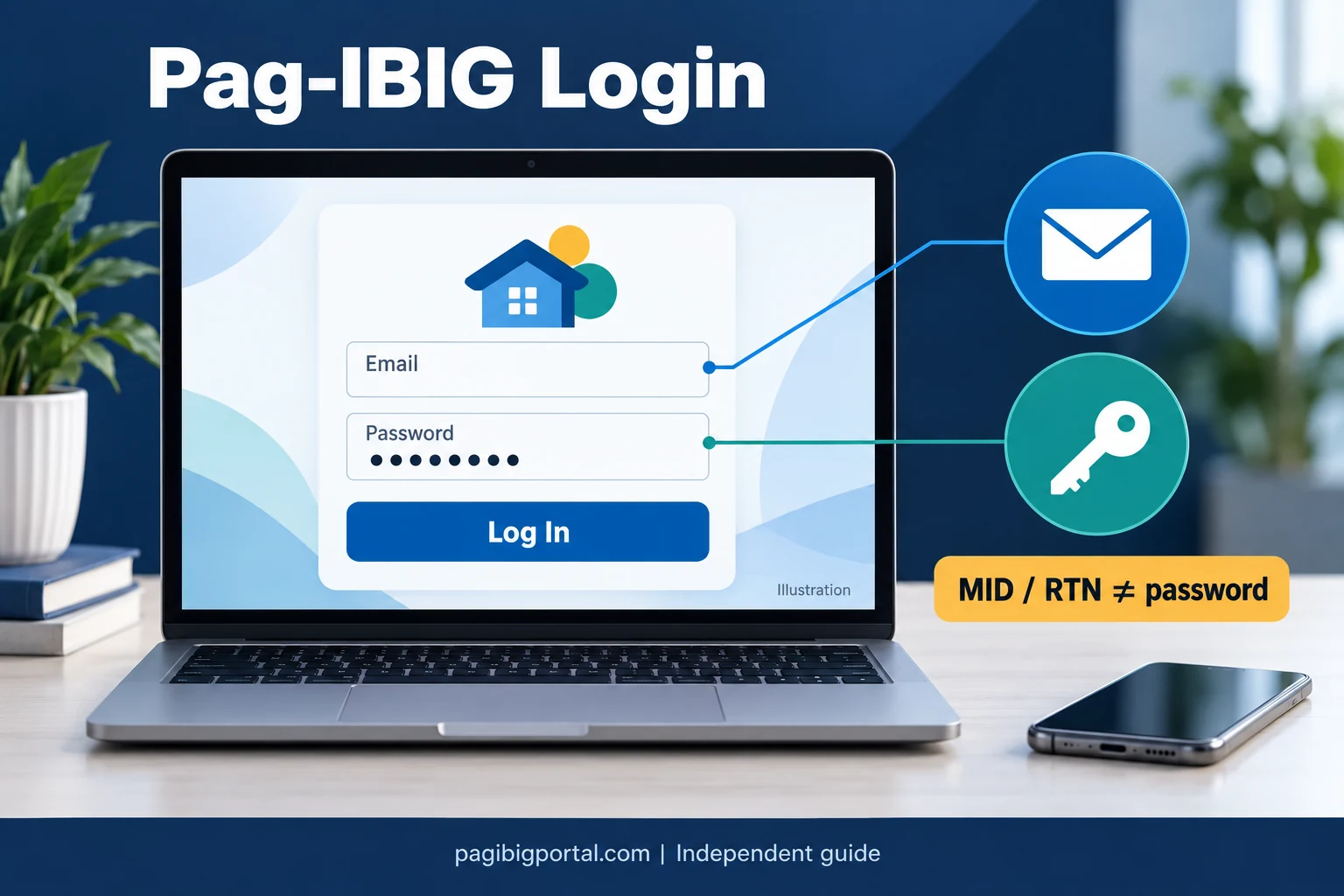
For an individual member, the correct Pag-IBIG login is the official Virtual Pag-IBIG account login. Open the official portal, choose Log In or Continue, and enter the credentials connected to your activated Virtual Pag-IBIG account. A MID number, RTN, MDF, contribution record, or employer ID is not automatically a member login credential.
On this page
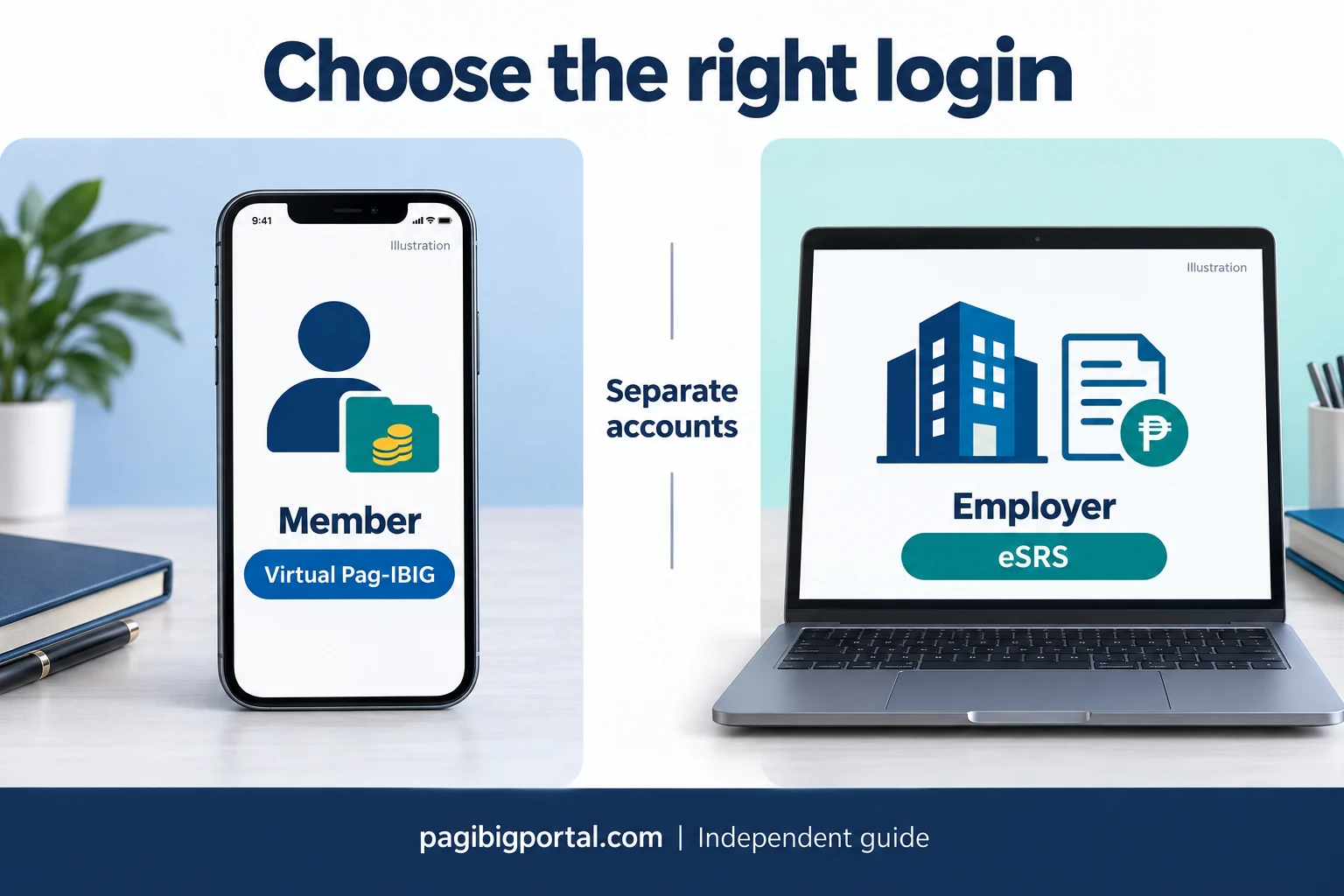
Which Pag-IBIG login do you need?
Search results mix member, employer, registration, contribution, and loan services. The correct entry point depends on the transaction you want to perform.
| Your purpose | Correct starting point | Important distinction |
|---|---|---|
| View your own Pag-IBIG records, savings, loan information, or member services | Virtual Pag-IBIG member login | This is the normal individual member account. |
| Create a first Virtual Pag-IBIG account | Virtual Pag-IBIG account creation | Creating an account happens before login. It is not the same as membership registration. |
| Register as a new Pag-IBIG member | Online membership registration | Registration produces an RTN and later a MID. It does not automatically create login access. |
| Submit employer remittance schedules | Pag-IBIG eSRS employer system | Employer credentials and enrollment are separate from an employee’s member login. |
| Check a housing loan application or a specialized verification service | The specific official housing service | Some housing tools use their own reference or verification process. |
| Check contributions as an individual member | Log in to Virtual Pag-IBIG, then open the relevant savings or records service | The contribution inquiry is a service inside the member account, not a separate member identity. |
What you need before logging in
Most login problems become easier to solve when you first confirm that the account exists and that you are using the right information.
How to log in to your Pag-IBIG account
The labels may be updated by Pag-IBIG, but the normal member sign-in journey follows this sequence.
Open the official Virtual Pag-IBIG page
Use the official Pag-IBIG Fund website or the direct Virtual Pag-IBIG service. Avoid relying on a copied link from an unknown message, advertisement, social media reply, or unofficial application.
Select Log In or Continue
The Virtual Pag-IBIG landing page explains that members must log in for security before accessing savings and loan records. Choose the login option rather than account creation when you already have an activated account.
Enter the credentials connected to your account
Type the login identifier requested on the current screen, such as the registered email address, and the password created for Virtual Pag-IBIG. Check spelling, spaces, capitalization, and keyboard settings before submitting.
Complete any security verification
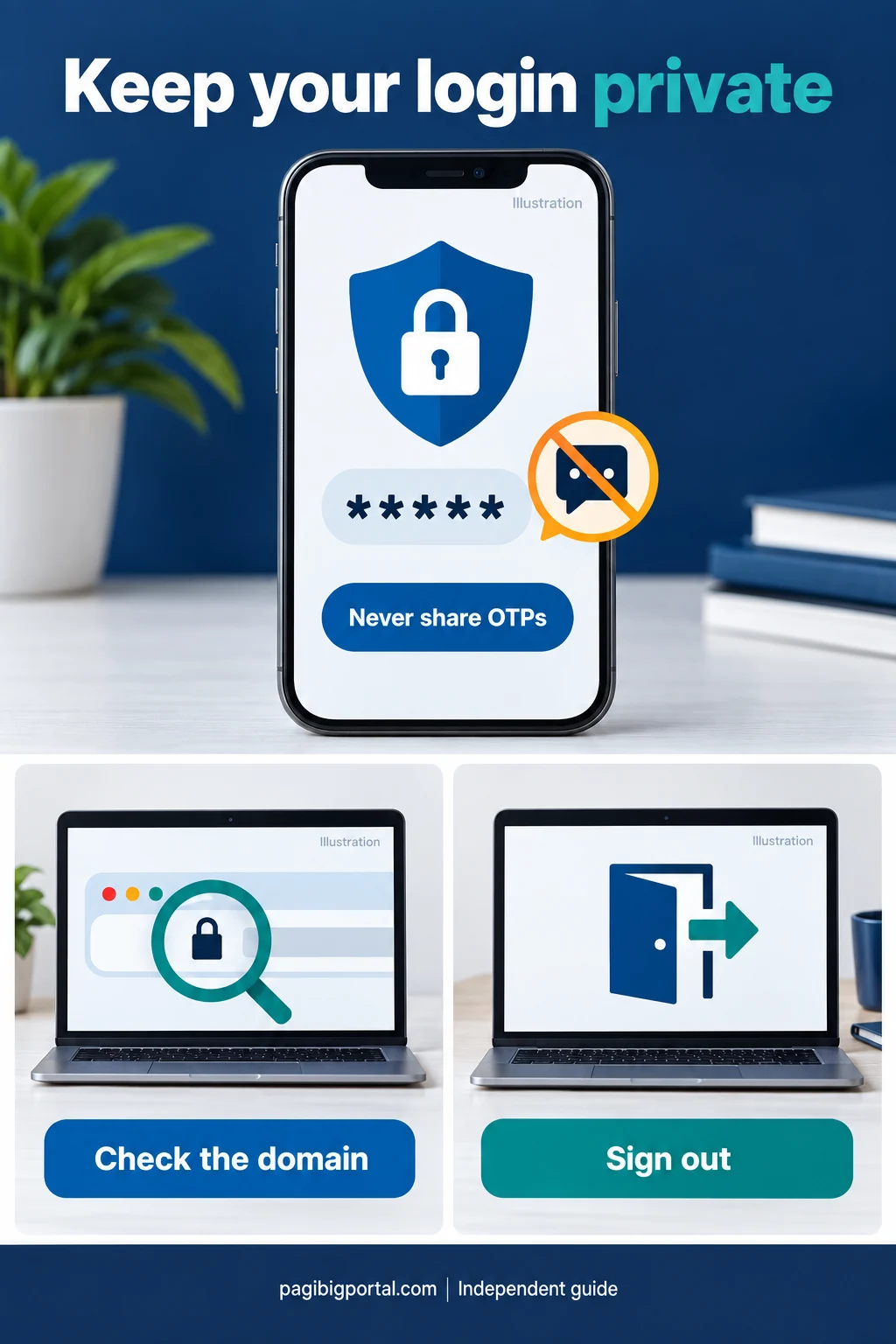
Follow the official prompt when the system requests a verification step. Never give a one-time code, recovery link, or password to a person claiming that they need it to complete the login for you.
Open the service you need
After successful login, choose the relevant product or service. Depending on the records available to your account, you may be able to view Regular Savings, MP2 information, loan balances or payments, and other member services.
Log out when using a shared device
Close the session properly after completing the transaction. Do not allow a public or shared browser to save the password, and remove downloaded records that contain personal information.
Can you log in using a MID number or RTN?
Many searches use phrases such as Pag-IBIG login using MID number, Pag-IBIG RTN login, or login using a tracking number. These references identify a record, but they do not automatically function as an account password.
Pag-IBIG MID number
The MID is the permanent membership number linked to your Pag-IBIG record. It may be required during account creation, verification, or a member transaction, but the MID alone does not grant access to a Virtual Pag-IBIG account.
When you have forgotten the MID, retrieve or verify it through the appropriate official process. Our Pag-IBIG MID number guide explains the difference between finding the number and logging in to an online account.
Registration Tracking Number
The RTN is provided after online membership registration and helps track the new registration before the permanent MID is available. It is not the normal username and is not a replacement for an activated Virtual Pag-IBIG account.
If you only have an RTN, first complete the member-record process and confirm the MID when available. See the Pag-IBIG online registration guide for the correct sequence.
What to do if you forgot your Pag-IBIG login password
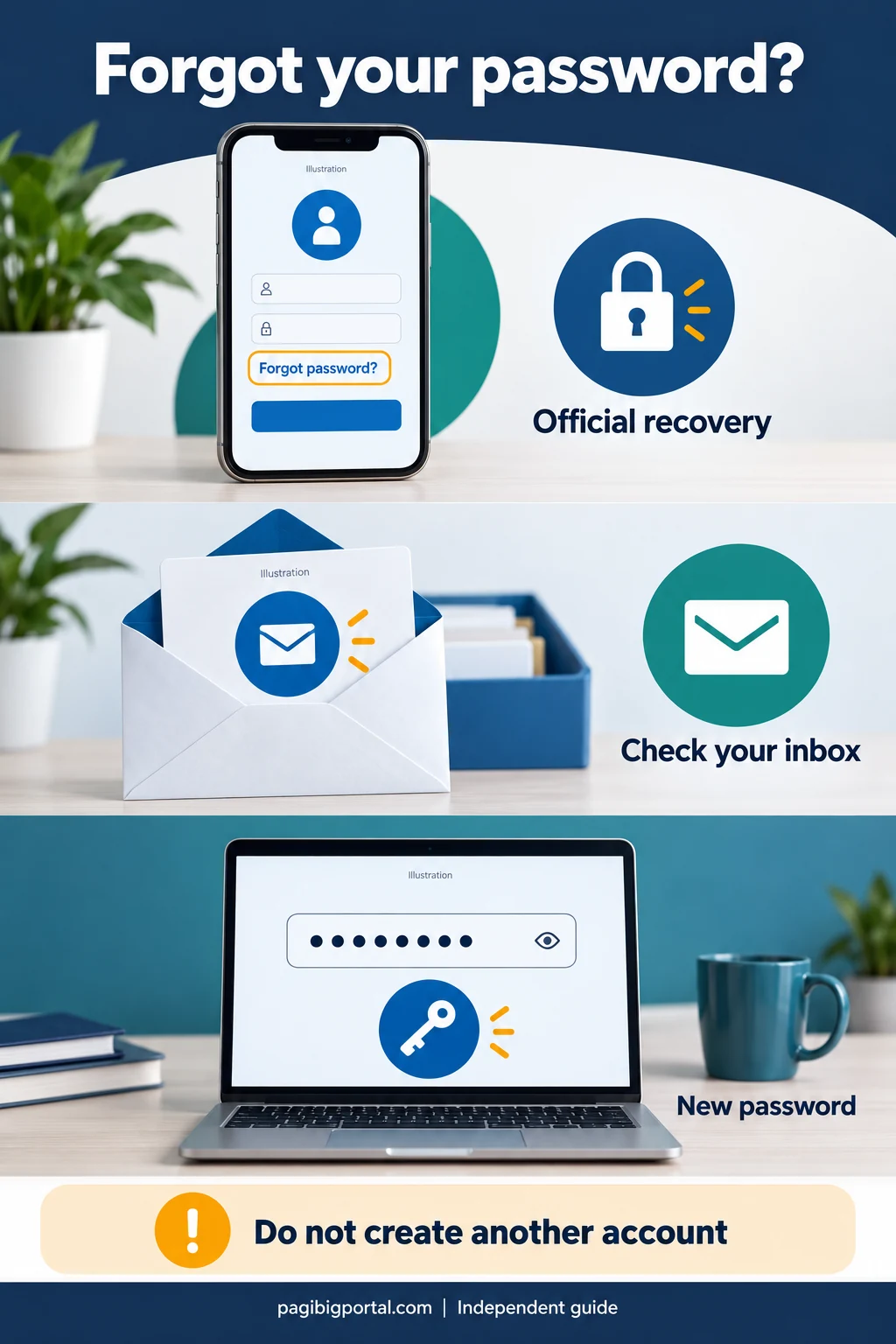
Use the official account-recovery option instead of creating a second Virtual Pag-IBIG account.
Use the recovery option on the official login page
Look for the password-recovery or account-access option provided on the current Virtual Pag-IBIG login screen. Start recovery only from the official service.
Provide the information requested by the system
Enter the account or identity details requested on the recovery page. The exact fields can change, so follow the live instructions rather than a screenshot from an old tutorial.
Check the registered contact channel
Review the inbox, spam folder, and other registered contact channels for the official recovery message. Make sure the message points back to the legitimate Pag-IBIG service before opening a link.
Create a strong new password
Use a unique password that is not reused for email, banking, shopping, or social media. Follow the password rules shown on the official screen.
Test the new login once
Return to the official login page, enter the updated credentials carefully, and avoid repeated rapid attempts. Save the password in a trusted password manager instead of an unsecured note.
Common Pag-IBIG login problems and fixes
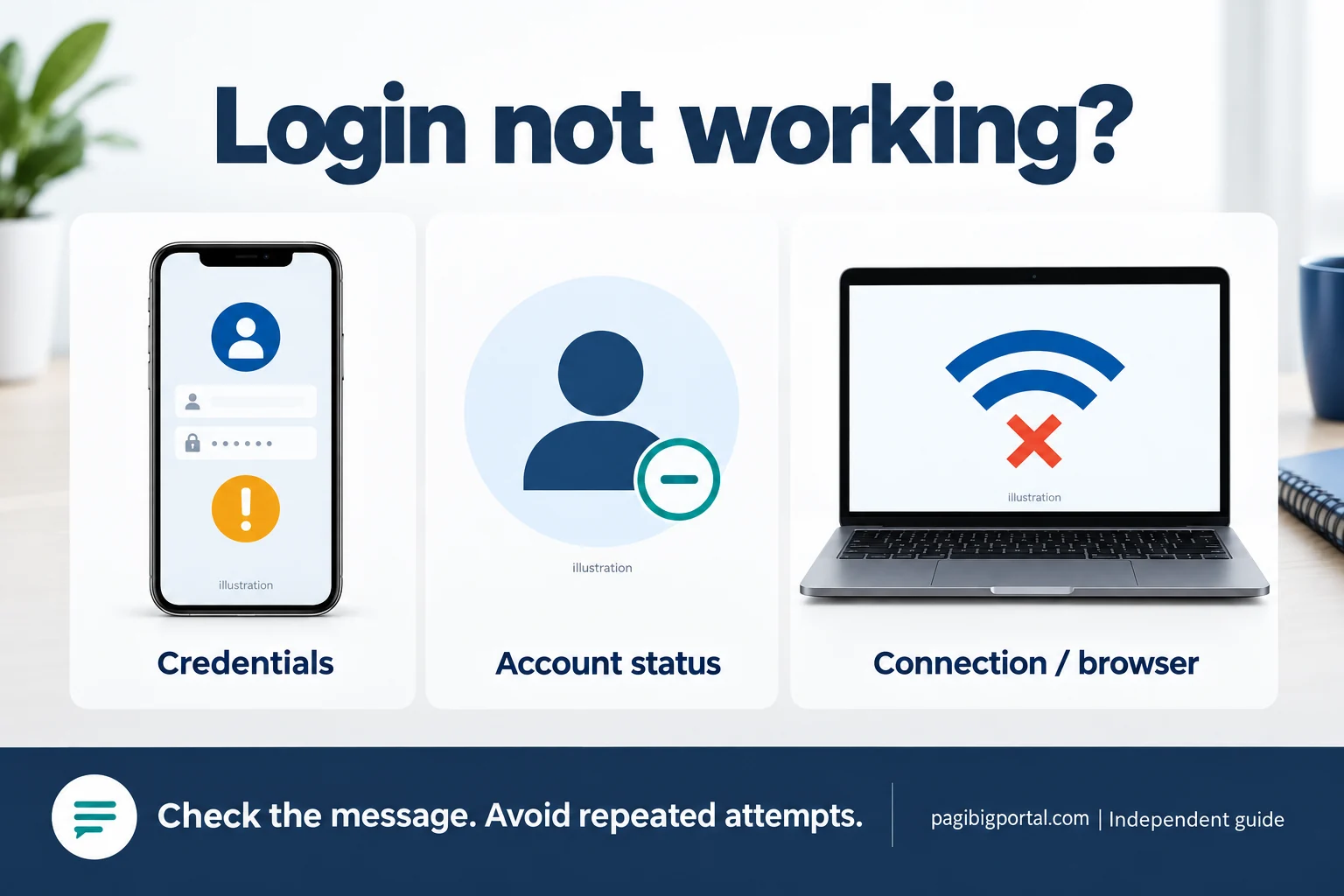
Identify whether the problem is caused by the credentials, the account status, the browser, or using the wrong service.
Invalid email or password
Retype the credentials manually, check capitalization and hidden spaces, and confirm that the email belongs to the activated account. Use official password recovery when the password is uncertain.
Account not found
You may be using a different email, the account may not have been activated, or you may only have a membership record. Check the account-creation confirmation before trying again.
Page keeps loading
Switch to a stable connection, close unnecessary tabs, update the browser, and retry after a short wait. Avoid pressing the login button repeatedly while the first request is still processing.
Mobile page does not display correctly
Rotate the device, use a current browser, clear the site cache, or try the official Virtual Pag-IBIG mobile app. Do not install an app from an unofficial download page.
Security verification fails
Refresh the verification prompt, enter the new code carefully, and allow required cookies or scripts. Disable browser extensions only when you understand what they are blocking.
Session expires after login
Finish the transaction without long pauses, avoid switching between many devices, and sign in again from the official page. A session timeout does not mean the MID or membership was deleted.
Employer credentials do not work
Employer eSRS access is separate from Virtual Pag-IBIG member access. Confirm the employer enrollment, authorized user, and correct eSRS address instead of using the personal member page.
RTN or MID is rejected
The field may be asking for the account email or another login identifier, not a membership or tracking number. Read the label and use the correct account credentials.
Login on the website or the official app
Both routes should lead to the same member account, but the best option depends on the device and the problem you are facing.
| Option | Best for | What to check |
|---|---|---|
| Virtual Pag-IBIG website | Using a laptop or desktop, downloading records, or troubleshooting a mobile display problem | Confirm the official domain, use an updated browser, and close the session on shared devices. |
| Official Virtual Pag-IBIG mobile app | Convenient access from a personal phone and regular monitoring of available member records | Install only the app published by Pag-IBIG Fund through the official app store listing. |
| Branch or official support | Account recovery when you cannot access the registered contact information or online verification fails | Bring valid identification and explain whether the issue concerns membership, account creation, or login. |
Protect your Virtual Pag-IBIG login
Your account can show sensitive savings, loan, identity, and transaction information. Treat the login like any other important financial-service credential.
What you can do after logging in
Virtual Pag-IBIG is the member gateway, while each service keeps its own requirements and transaction rules.
View Regular Savings records
Review the savings or contribution information available to your account. A missing payment may require a separate contribution-posting inquiry rather than a new login.
Review MP2 information
Use the relevant MP2 service when the account has MP2 records. An MP2 account number is different from the member login and from the permanent MID.
Monitor loan information
Available services may show loan balances, payments, or application information. Housing-loan application verification may also have a transaction-specific route.
Access member records and services
Use the menu shown after login to view available records or begin an eligible transaction. A Member’s Data Form and an online account serve different purposes.
Frequently asked questions
Answers to common searches about Virtual Pag-IBIG login, MID numbers, RTNs, employees, employers, contributions, and account access.
What is the official Pag-IBIG member login?
The normal individual member login is the official Virtual Pag-IBIG account login. Open it from the official Pag-IBIG website or the verified Virtual Pag-IBIG service address.
Can I log in to Pag-IBIG using my MID number?
The MID identifies the permanent membership record, but it is not automatically the account password. Use the credentials requested by the activated Virtual Pag-IBIG account login screen.
Can I log in using my RTN or tracking number?
An RTN tracks a submitted membership registration before the permanent MID is available. It is not the normal login credential for an existing Virtual Pag-IBIG account.
Why can I not log in after online membership registration?
Membership registration and Virtual Pag-IBIG account creation are separate processes. Registration gives you an RTN and later a MID, while account creation establishes online login access.
How do I log in to check my Pag-IBIG contributions?
Log in to your personal Virtual Pag-IBIG account and open the relevant Regular Savings or records service. Contribution checking is not a separate personal login identity.
Is there a separate Pag-IBIG employee login?
An individual employee normally uses a personal Virtual Pag-IBIG account. Employer payroll or remittance tasks use employer services such as eSRS with separately enrolled credentials.
What is Pag-IBIG eSRS login?
eSRS is an employer service for authorized users handling remittance schedules and related employer transactions. It is separate from a member’s Virtual Pag-IBIG login.
Can I use my employer login to view my personal contributions?
No. Use your personal member account for your own records. Employer access is intended for authorized company remittance and reporting work.
What should I do if I forgot my Pag-IBIG password?
Use the official recovery option on the current Virtual Pag-IBIG login page. Do not create another membership record or an unnecessary duplicate account.
Why does Pag-IBIG say my account is not found?
You may be using a different registered email, the account may not be activated, or you may only have a membership record without a Virtual Pag-IBIG account. Verify which process you completed.
Can I log in with my Pag-IBIG ID or Loyalty Card Plus number?
A card can be involved in an account-creation route, but the card number itself is not automatically the normal member login password. Use the credentials established for the Virtual Pag-IBIG account.
Can I log in to view or request my MDF?
Virtual Pag-IBIG may provide access to member records and services, but an MDF or computer-generated member record has its own retrieval and update process. See the dedicated MDF guide for those details.
Is MP2 Pag-IBIG login different?
MP2 information is generally accessed through the member’s Virtual Pag-IBIG account when available. The MP2 account number is different from the Virtual Pag-IBIG login and the permanent MID.
Why does the login page keep loading?
Check the connection, update the browser, allow required cookies, clear the site cache, and retry after a short wait. Use the official app or another device when the browser problem continues.
Can I use the same Virtual Pag-IBIG account on the website and app?
The official website and app are access channels for the member service. Use the legitimate account connected to your member identity rather than creating duplicate membership records.
What if I no longer have access to my registered email?
Try the official recovery options first. When online verification cannot confirm you, contact Pag-IBIG through an official channel or visit a branch with valid identification.
Watch: Virtual Pag-IBIG password recovery
A third-party tutorial on recovering access to your account.
Video by Eleyna Vines. Screens and recovery requirements may change. Follow the current instructions on the official Pag-IBIG service and never share passwords or verification codes.
Related Pag-IBIG guides and official access
Use these pages to separate login from account creation, membership registration, number retrieval, and member records.